
8K hardware decoding
Play supported HEVC and H.264 video on the Frame’s decoder. Foveated rendering follows your gaze to keep detail where you look.
Open source video player
Watch flat, 180°, 360° and fisheye video in 2D or 3D, straight from your headset or your media server.
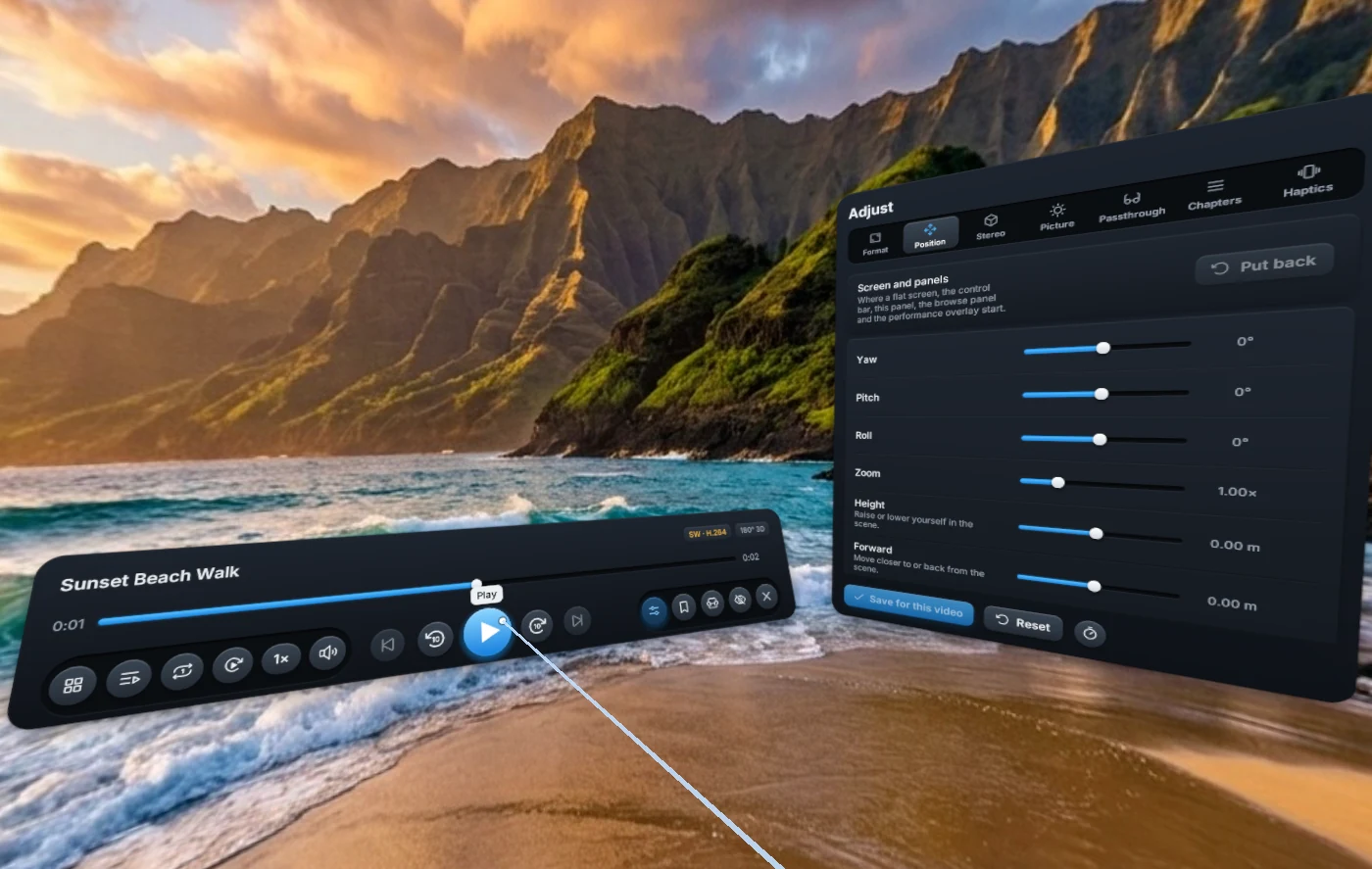
Playback
Play supported HEVC and H.264 video on the Frame’s decoder. Foveated rendering follows your gaze to keep detail where you look.
Watch on a flat screen or look around in 180° and 360° video. Adjust position, zoom and depth for each video.
FramePlayerX tone maps HDR10 and HLG for the headset. Use embedded or external subtitles and listen to 360° audio.
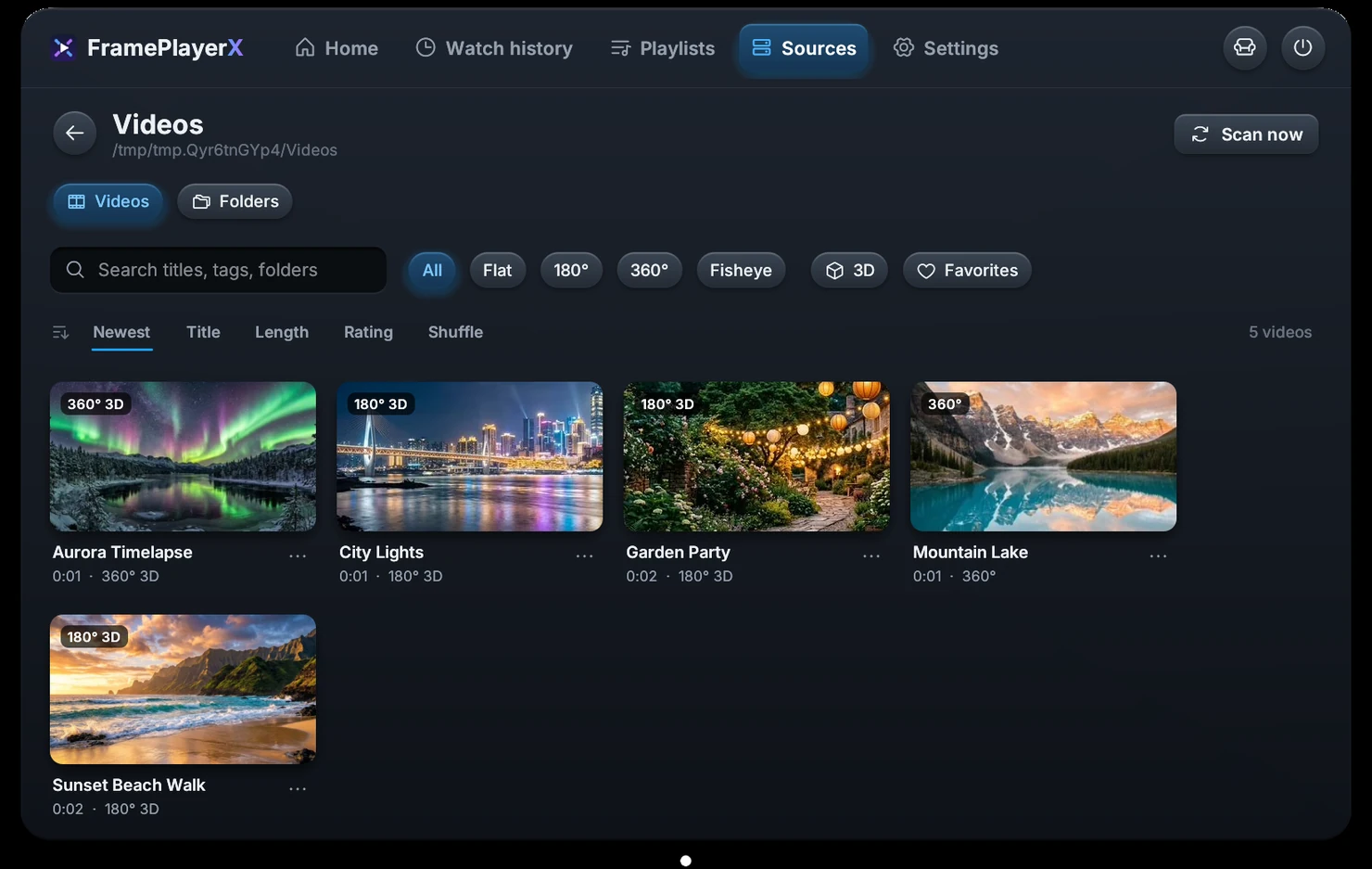
Media library
Browse files on your headset, microSD card or USB drive, or connect to Jellyfin, Emby, Plex or a network share. Pick up where you left off and make playlists with videos from any source.
Read the user guideDownload
The installer adds FramePlayerX to your Steam library on the headset.